Stop guessing.
Plug in your devices
on the first try.

Device Dots save you the time and frustration of guessing which cable connects to which device and where it plugs in.

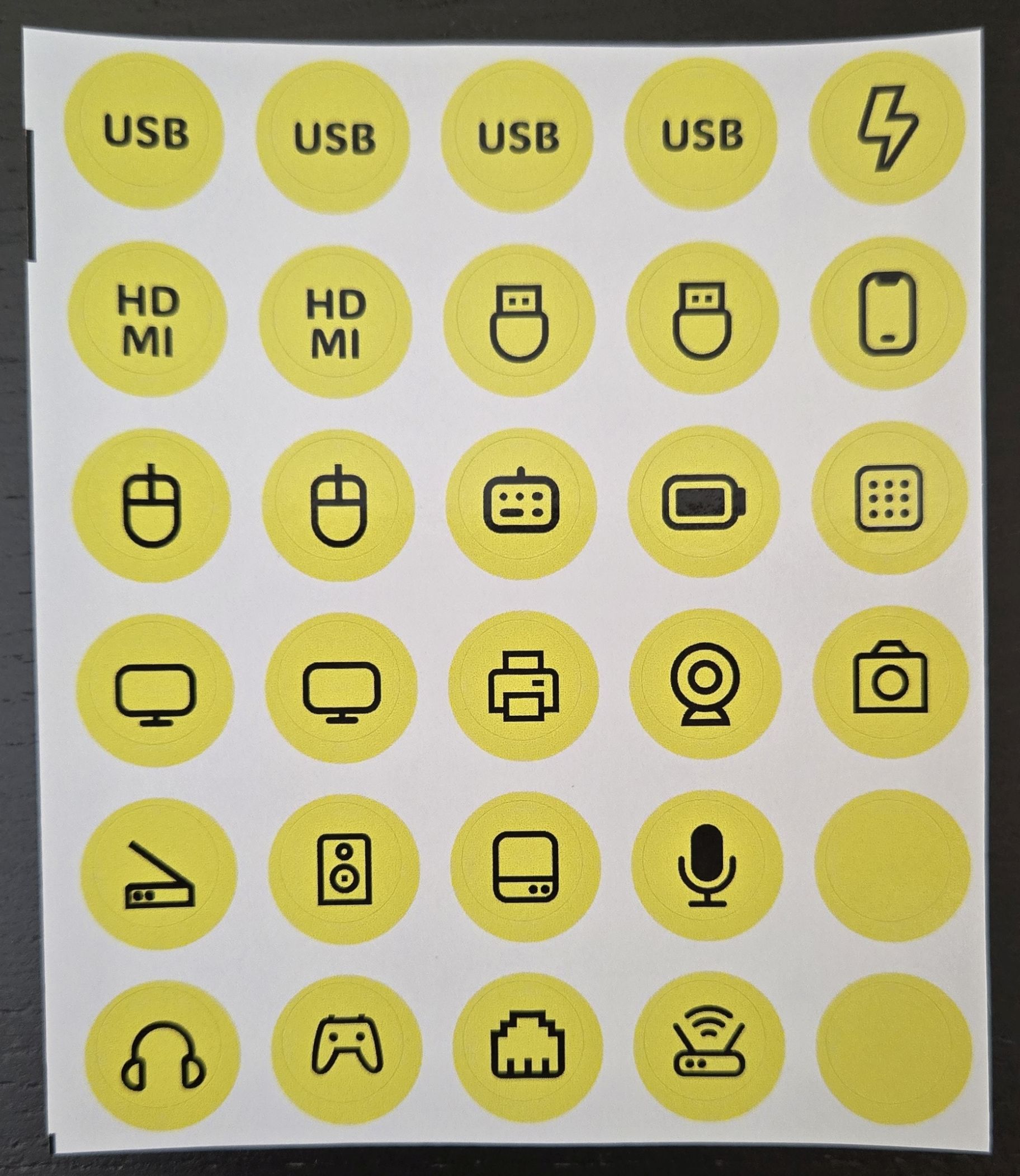
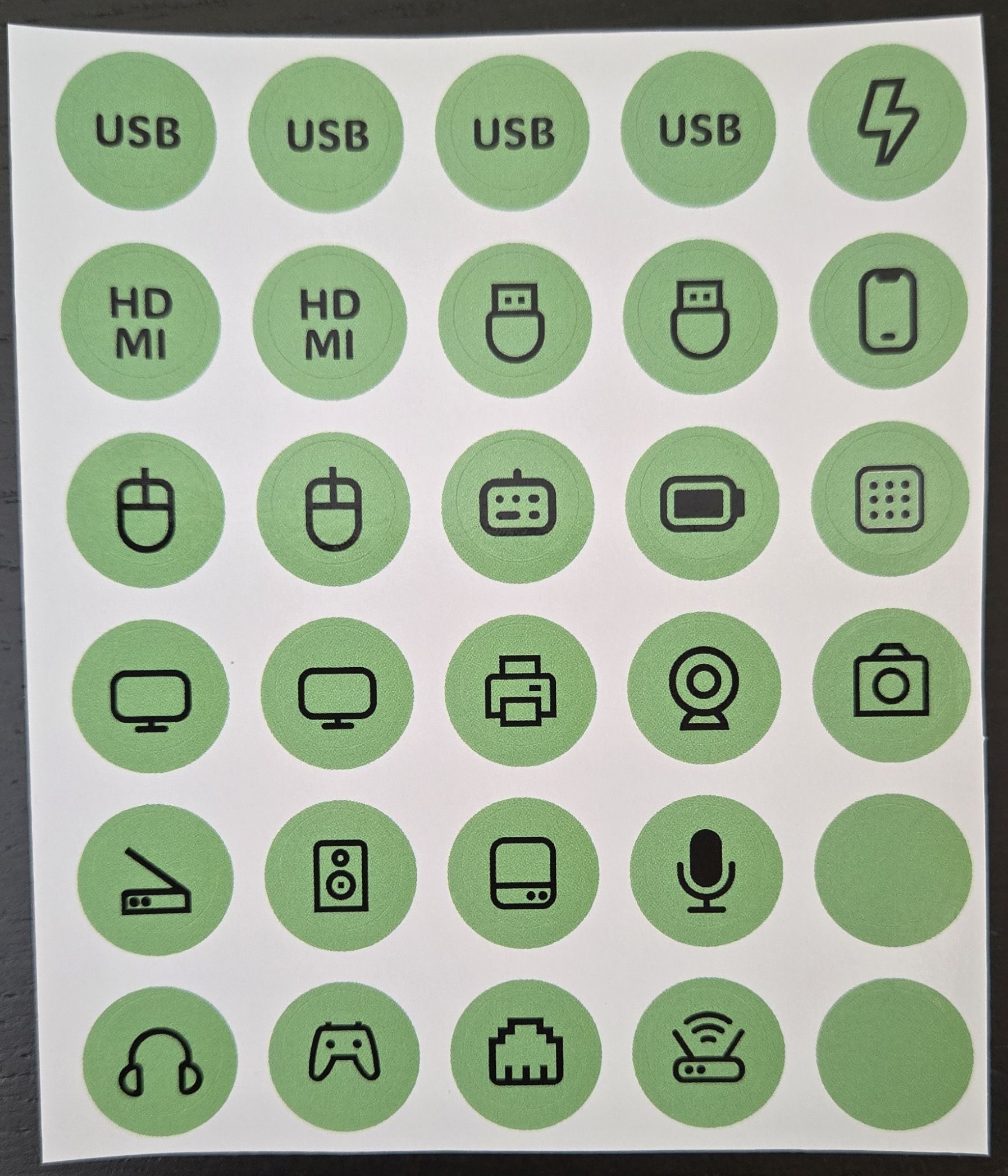
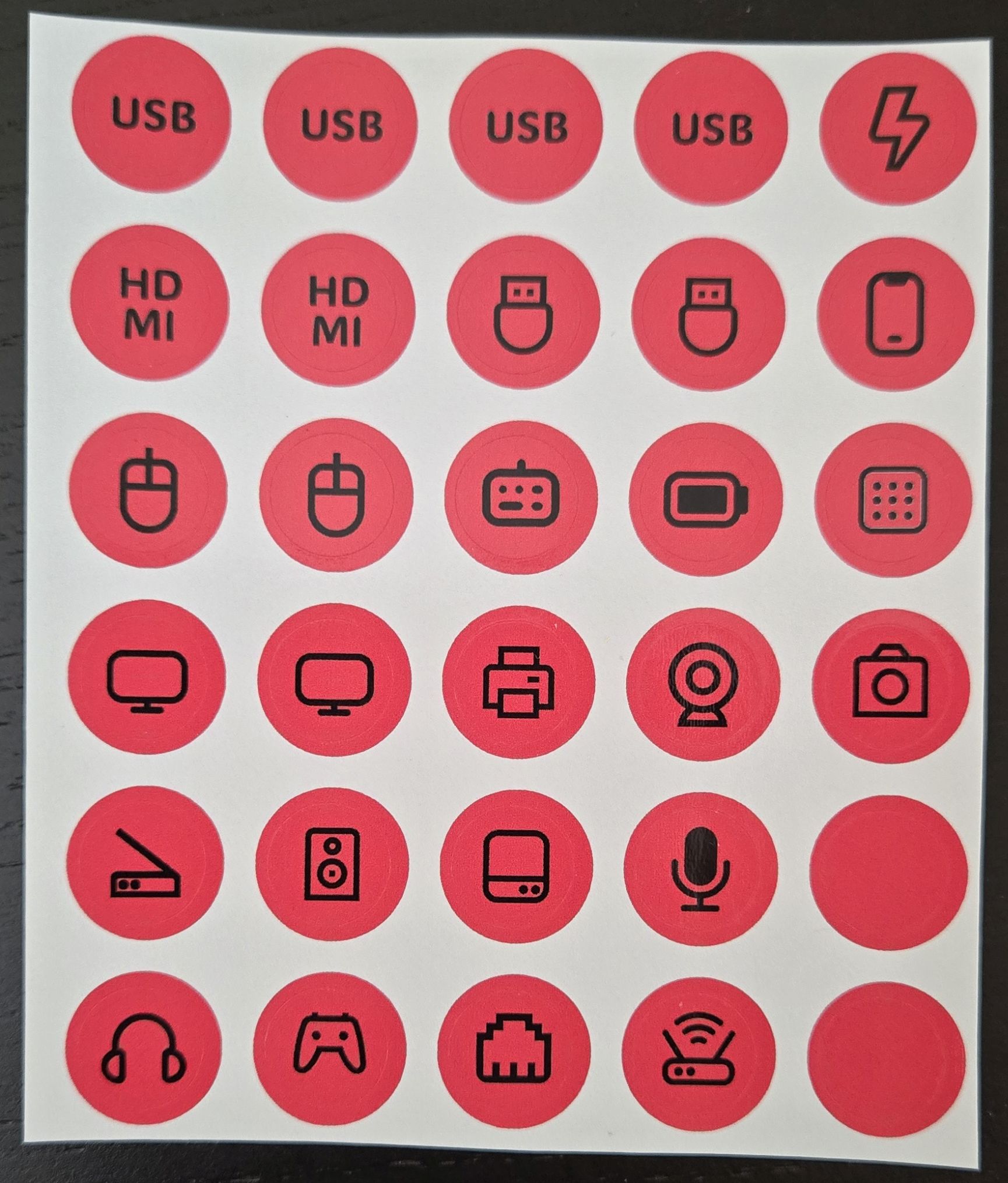
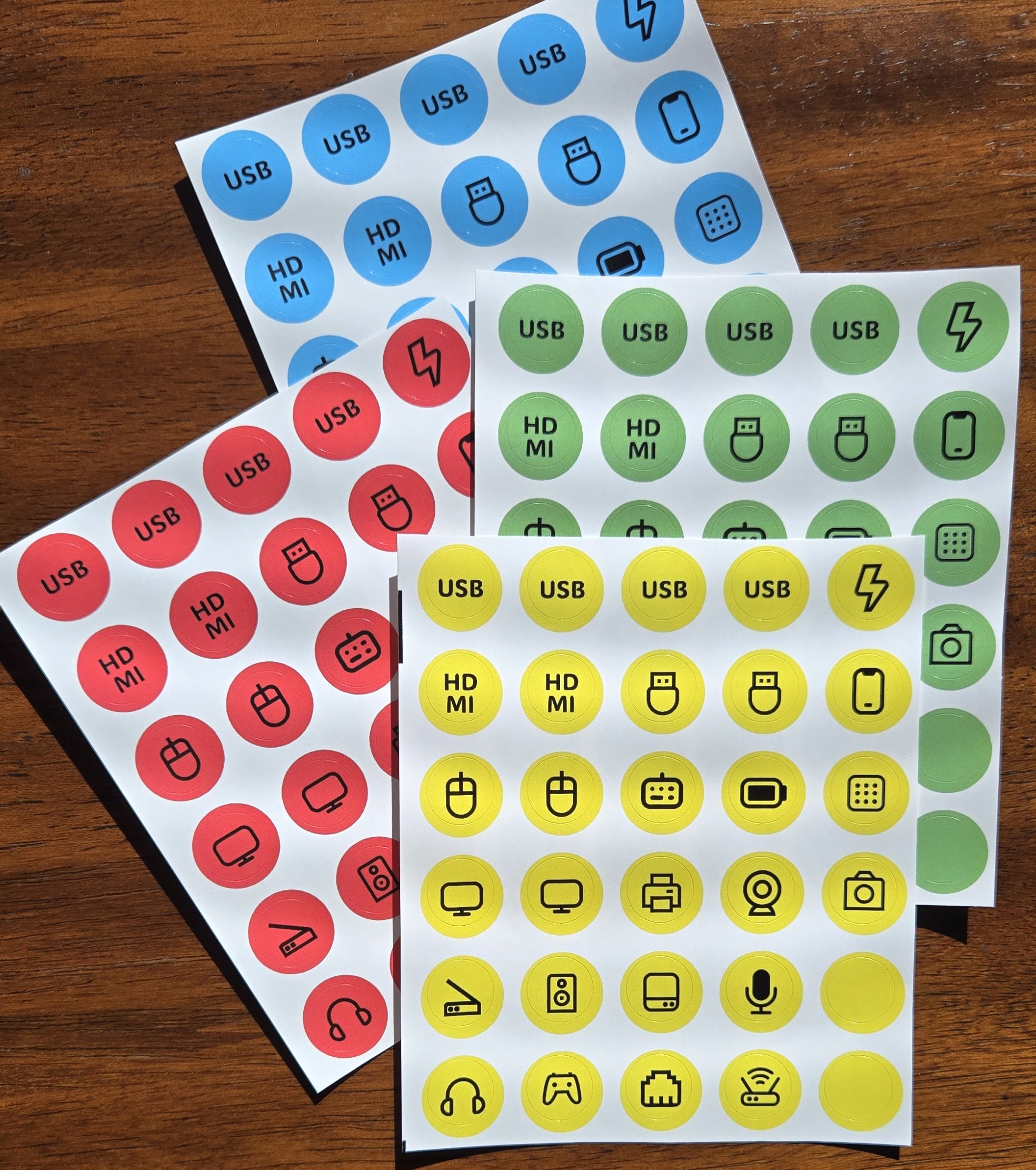
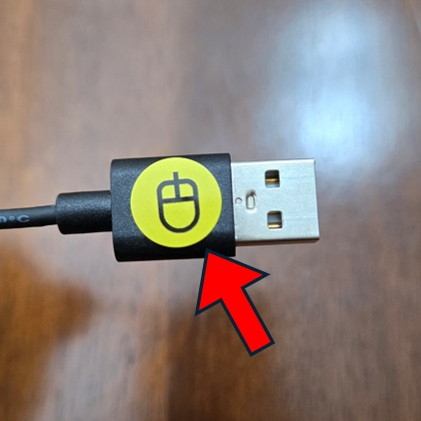
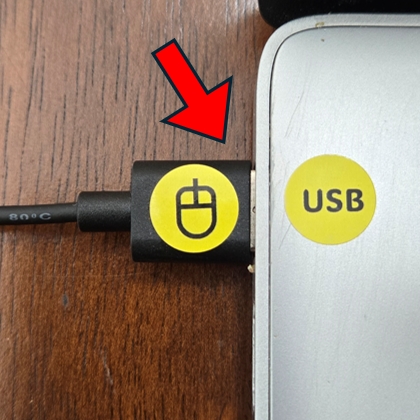
Device Dots are color-coded stickers with printed icons that help you quickly identify device cables and their matching ports. Plug in your devices with confidence and never unplug the wrong cable again.

One small dot. One big solution.
Product Options

Single Pack

30 dots

Single Color
(Blue, Yellow, Green, Red)

Complete Pack

120 dots

Single Pack of all 4 Colors
(Red, Yellow, Green, and Blue)

Office Pack

480 dots

4 Complete Packs
 
How Device Dots Work
In 3 simple steps
1

Choose Your Dot

Select the dot for your device or port.
For example, the mouse dot.


2

Apply The Dot

Place the dot and the end of the
device cable or near the port.


3

Plug It In

Quickly plug in your device and never
disconnect the wrong device again.

Meet Your Dots

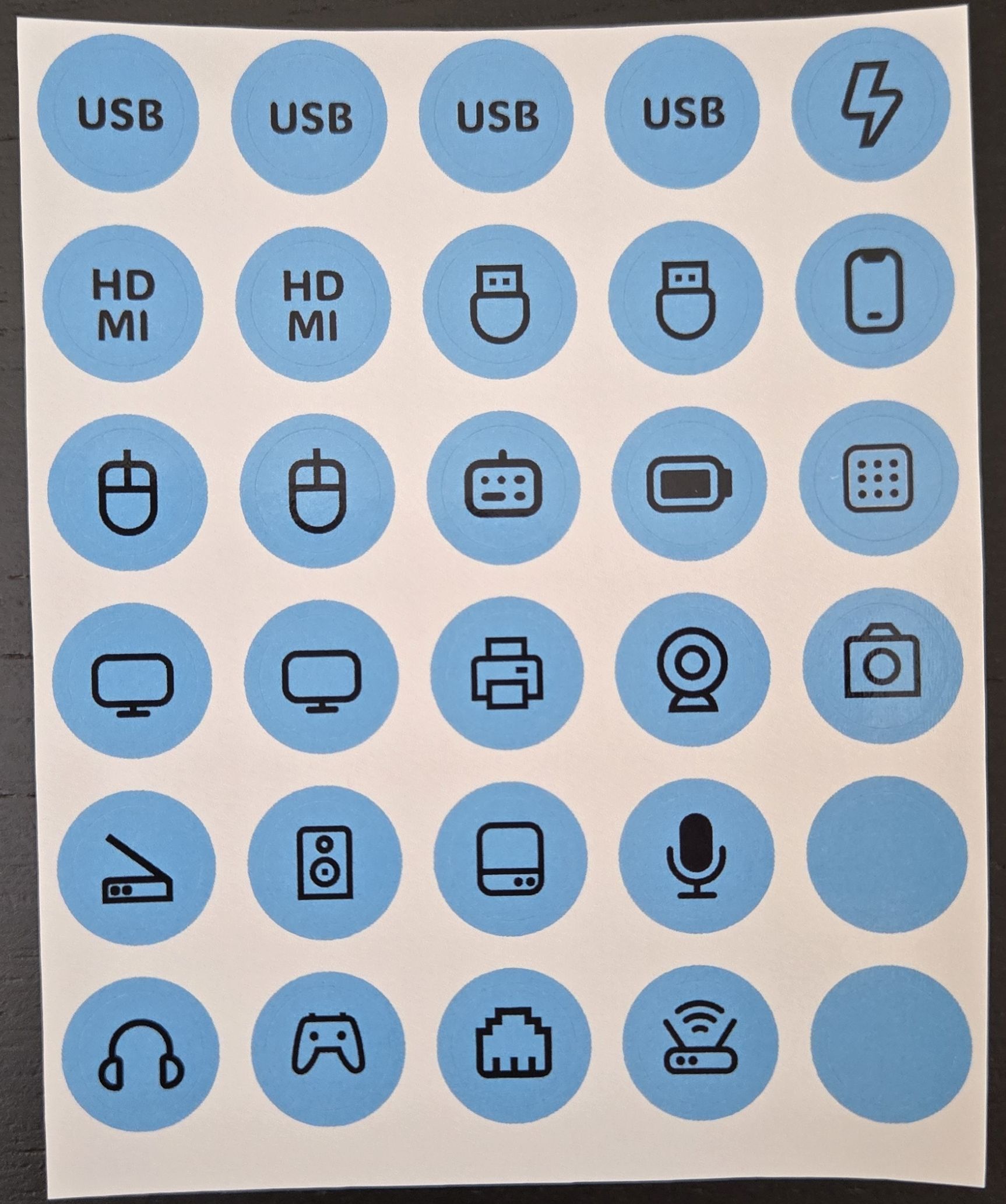
Explore the different Device Dots designed to help you quickly recognize your ports and device cables.

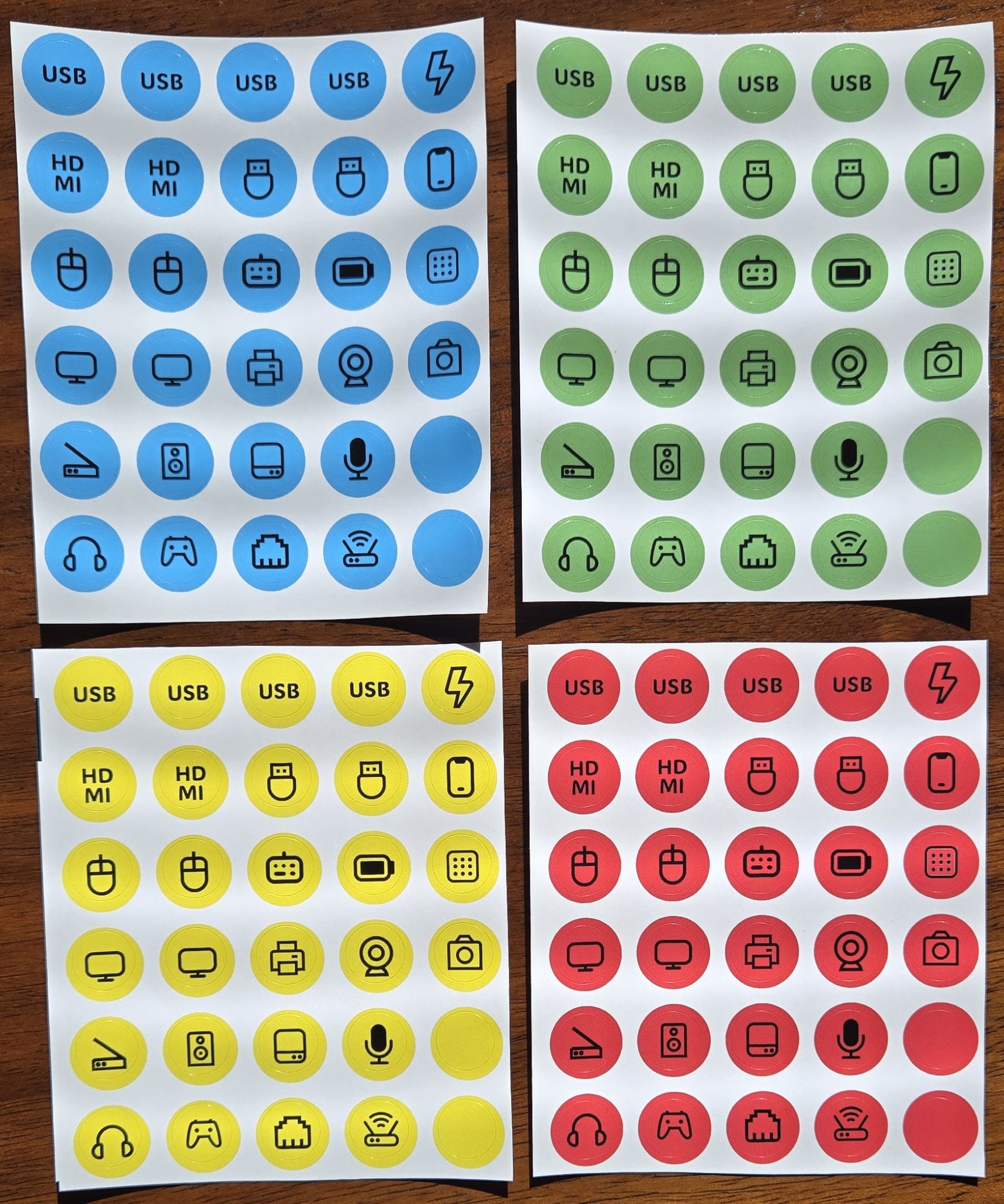
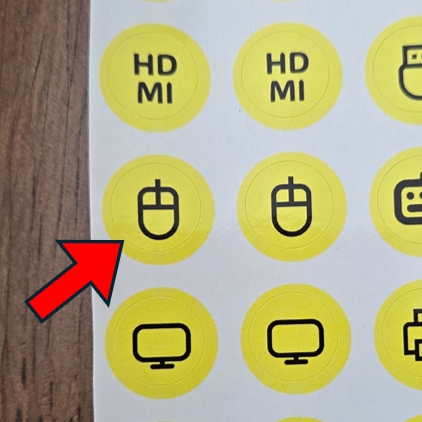
All Device Dots are 1/2" in diameter.

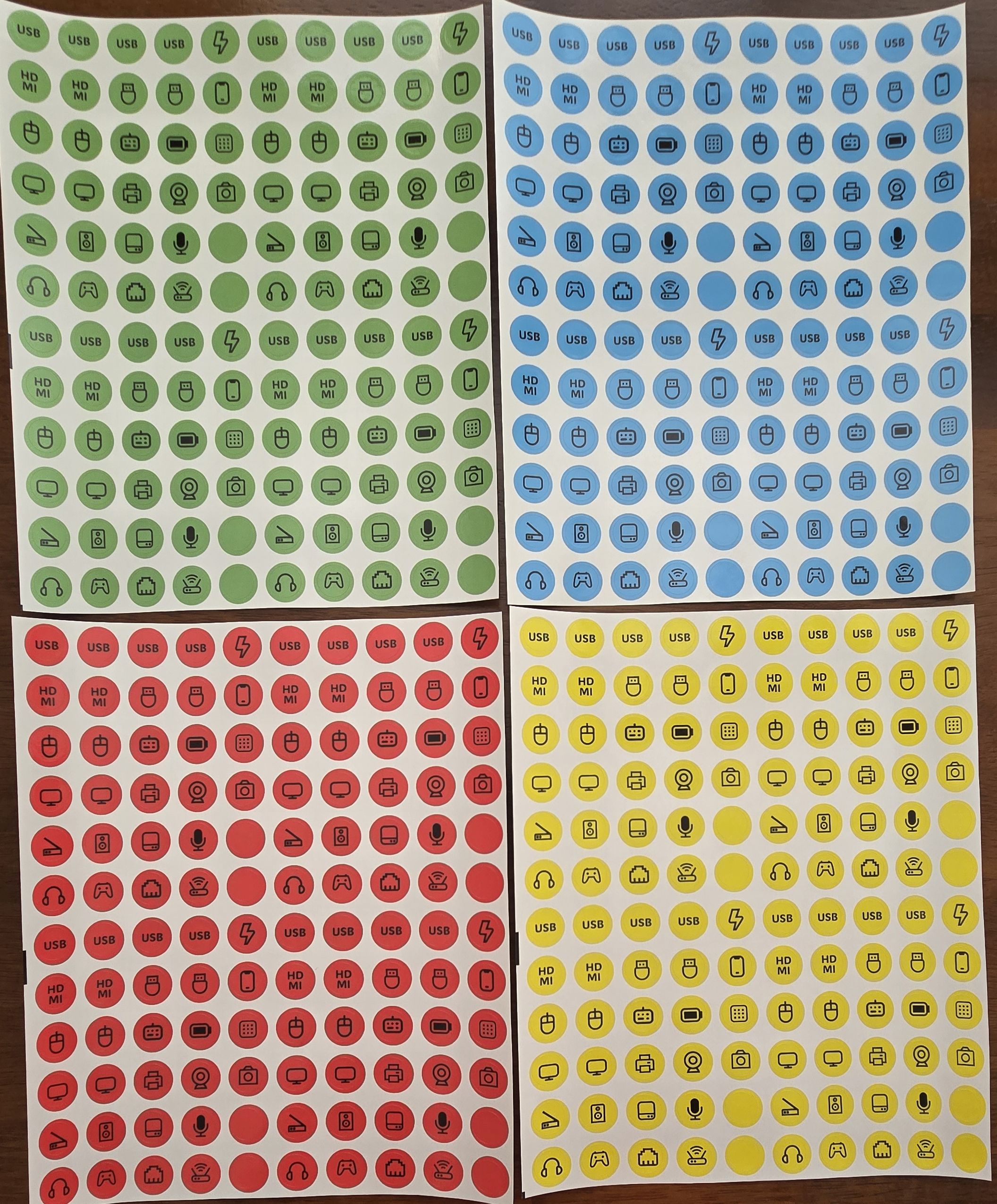
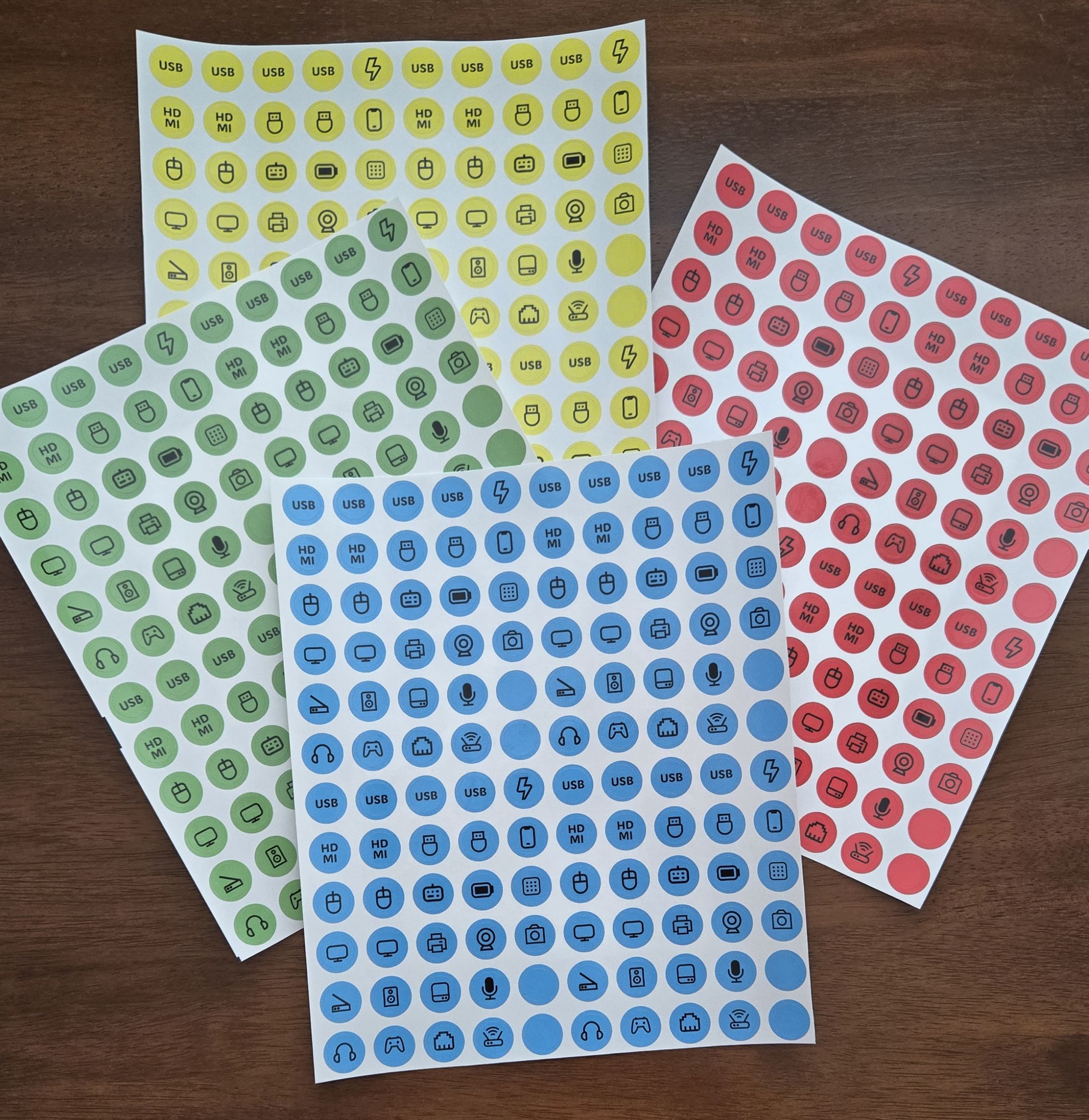
Dot colors:

Dot quantities shown here.

Dot Name Recommended Placement
Mouse Place this dot on your mouse cable.
Keyboard Place this dot on your keyboard cable.
Printer Place this dot on your printer or printer cable.
USB Place this dot next to a USB port on your computer or device.
HDMI Place this dot next to a HDMI port on your computer or device.
Monitor Place this dot on your monitor cable.
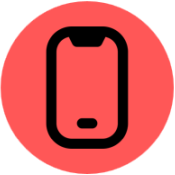
Phone Place this dot on your phone cable.
Thumb Drive Place this dot on your thumb drive.
Microphone Place this dot on your microphone cable.
Headphones Place this dot on your headphones cable.
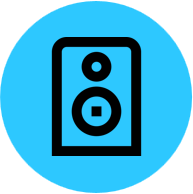
Speaker Place this dot on your speaker cable.
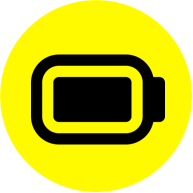
Battery Place this dot on your battery cable.
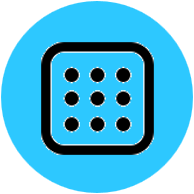
Button Pad Place this dot on your button pad cable.
Camera Place this dot on your camera cable.
Game Controller Place this dot on your game controller cable.
Hard Drive Place this dot on your hard drive cable.
Power Place this dot on your power cable or next to your device's power port.
Scanner Place this dot on your scanner or scanner cable.
Web Cam Place this dot on your web cam cable.
Ethernet Place this dot next to the ethernet port on your computer or device.
Wifi/Router Place this dot on your wifi/router cable.
(blank) Place this dot at any location.

Dot Packages
Volume discounts applied to all packages.
Lowest Price

Single Pack

$6.95

+ tax
30 Device Dots
Most Popular

Complete Pack

$14.95

+ tax
120 Device Dots
Best Value

Office Pack

$34.95

+ tax
480 Device Dots

Who Uses Device Dots?

Home Offices

Keep chargers and peripherals organized.

Classrooms

Help students identify equipment.

IT Departments

Simplify device management.

Gamers

Organize complex setups.

Libraries

Help visitors and staff identify shared equipment.

Makerspaces

Keep tools, computers, and electronics organized.

Streamers

Manage cameras, microphones, and streaming gear.

Home Entertainment

Identify TV, gaming, and audio connections faster.

Frequently Asked Questions

Click the question below to view the answer.

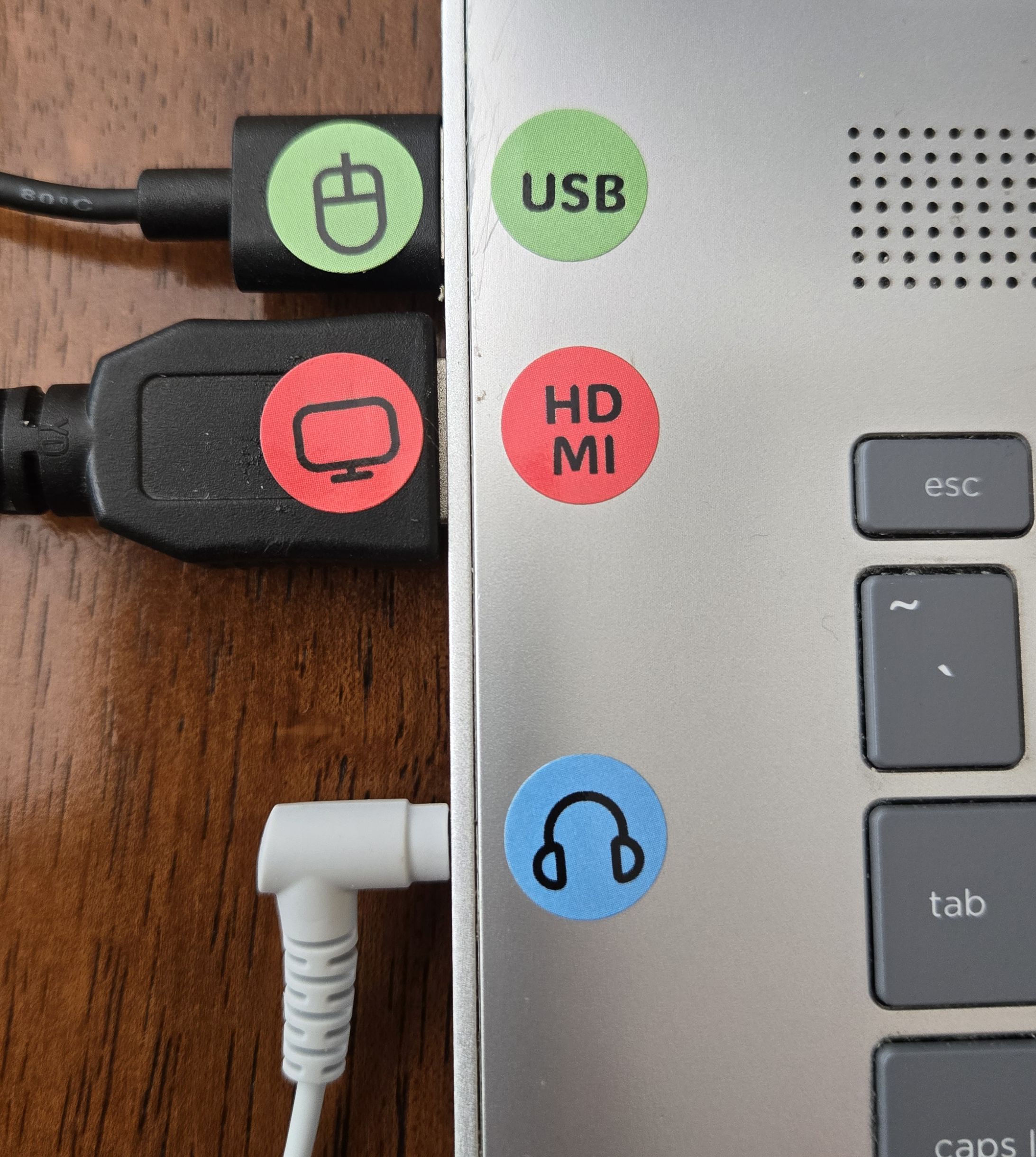
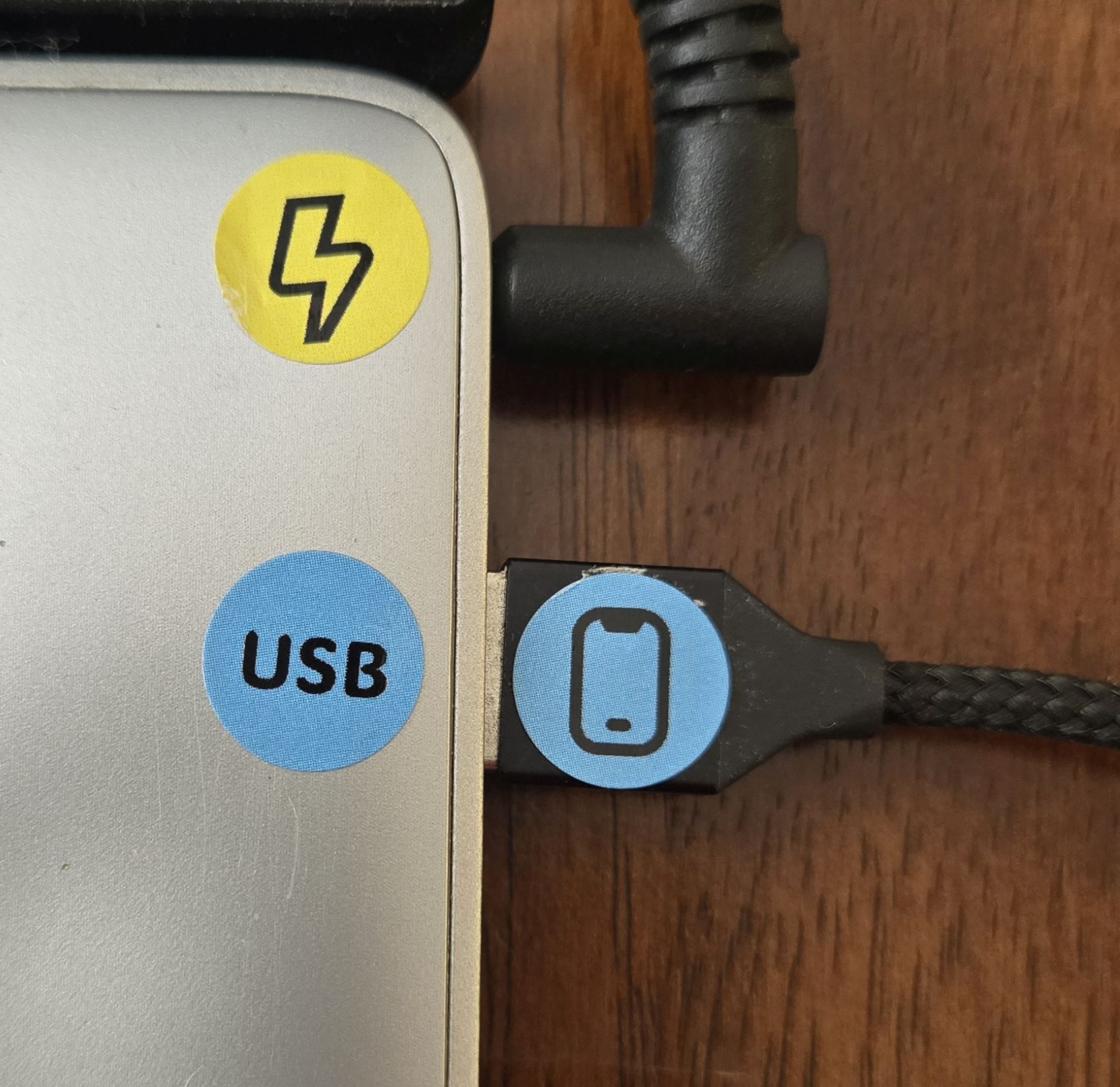
Each Device Dot is 1/2 inch in diameter. They are sized to fit well on the ends of USB and HDMI cables, as well as beside ports on desktop computers and mobile devices. See the photos above for a size reference.

Yes. Click the "Show Device Dots" button to open the shopping cart, where you can choose different quantities of each color. Volume discounts are applied automatically.

No. Device Dots are adhesive labels designed to help identify device cables and ports.

Yes. Device Dots adhere securely but can also be removed when needed.

Yes. The printed icons and colors will not run or smear if they come into contact with water or other liquids. However, electronic devices should always be kept away from moisture.

Device Dots are printed on glossy white adhesive paper with a smooth finish.

The blank dots can be used however you like. You can leave them blank or write letters, numbers, or other identifiers on them.

Orders shipped within the United States typically arrive in 3–5 business days. International orders generally arrive within 1–3 weeks.

Because Device Dots are a low-cost item, returns and refunds are generally not offered. However, we want you to be satisfied with your purchase, so exceptions may be made depending on the situation. Please contact us using the Contact Form at the bottom of this page.
Not at all. Choose whichever colors work best for your needs. Single Packs contain one color only. For multiple colors, choose the Complete Pack or purchase multiple Single Packs.

At this time, Device Dots are available only in red, yellow, green, and blue.

No. Each Single Pack contains only one color.

Some desktop computer towers may not have enough space beside USB or HDMI ports to place a dot. In those cases, you can still label the ends of the cables connected to those ports.

Please send us a message using the Contact Form at the bottom of this page.

Absolutely! Device Dots make it easy to match cables with the correct ports.

Contact Us

If you have comments, questions, or special requests, we'd love to hear from you.